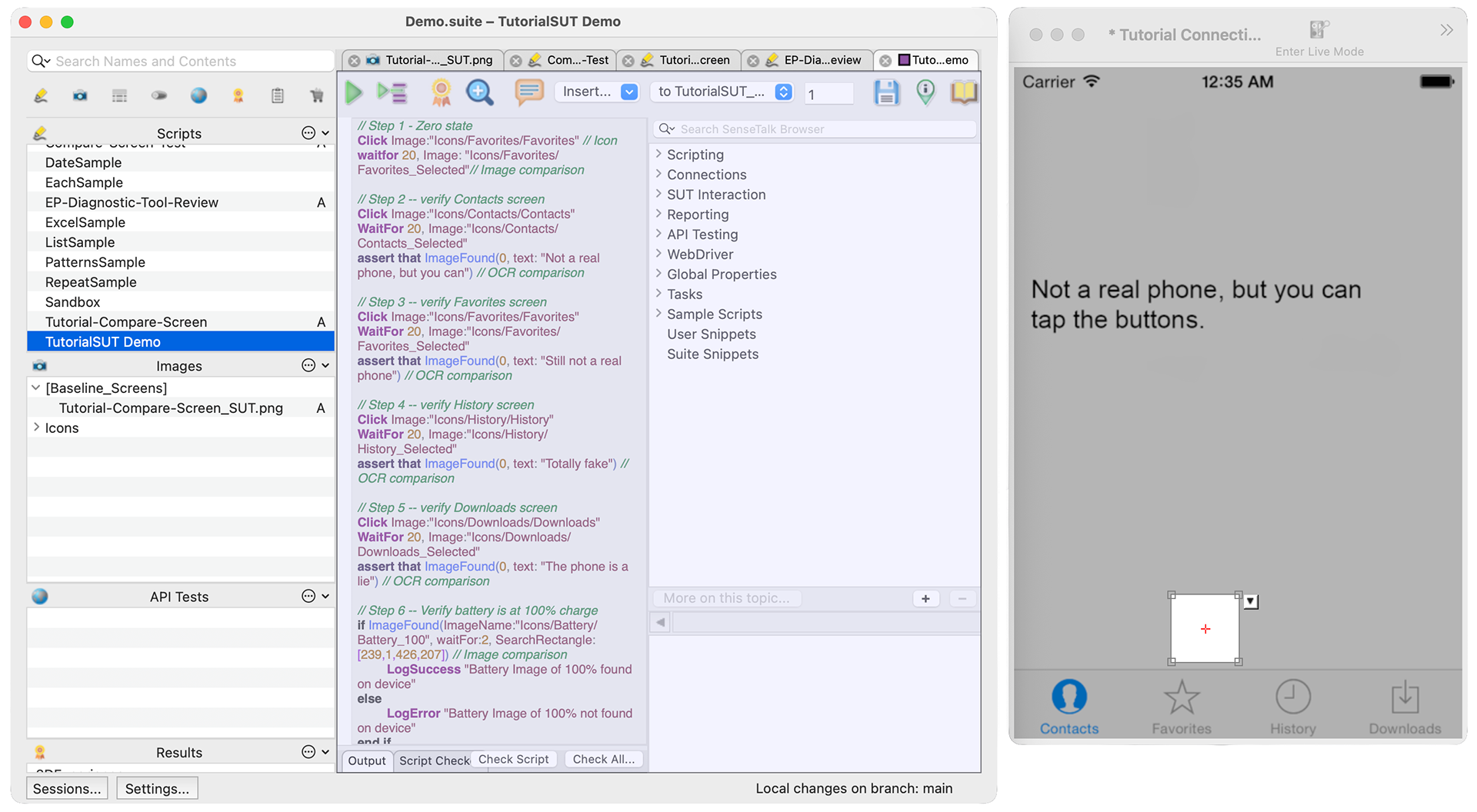
EPF's standalone Script Editor
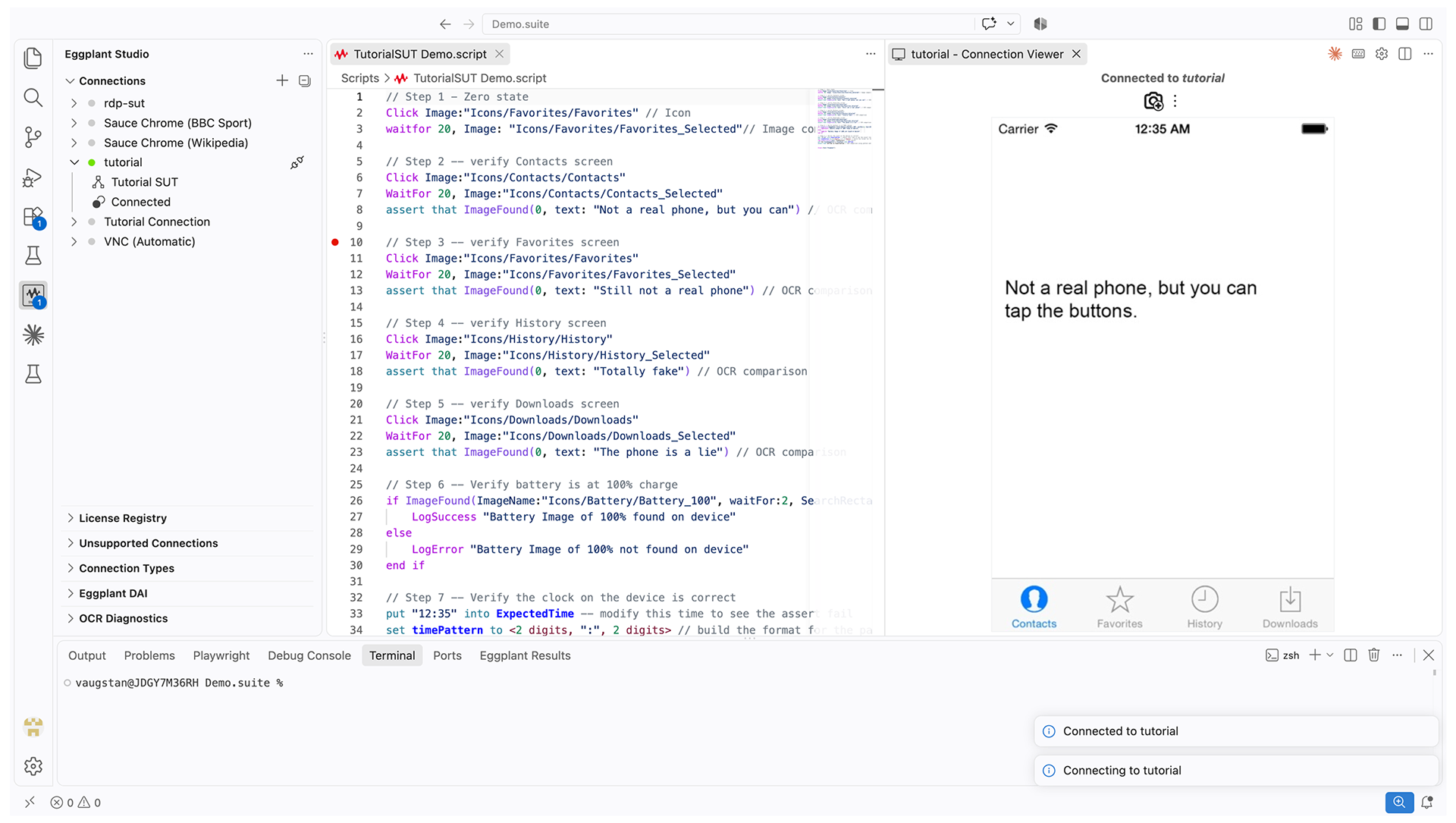
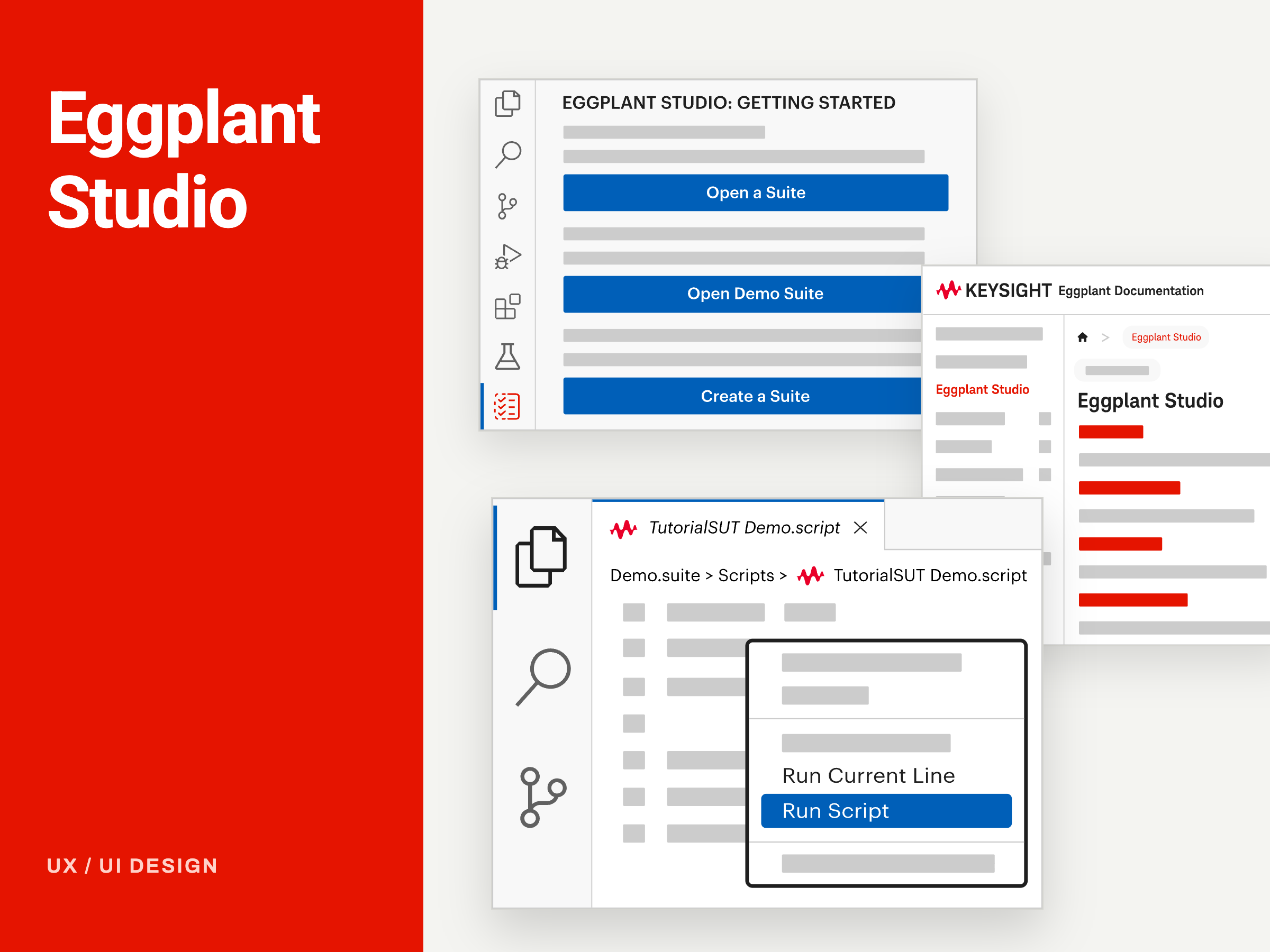
Eggplant Studio's VS Code extension
I led research and design for onboarding, the feature panels, and the Virtual Assistant flow, working with the Product Owner and developers.
Methods Used
• Contextual inquiry, heuristic evaluation, personas, journey mapping, usability testing
• Information architecture, wireframes, UI design, high-fidelity prototyping, iterative design
• AI-assisted prototyping (Claude Code, React + Vite)
Delivered user-centred design features that give users more intuitive workflows for using AI and OCR (Optical Character Recognition) in test automation, including:
• Image Update Panel
• OCR Update Panel
• OCR Tuner
• OCR Diagnostics Panel
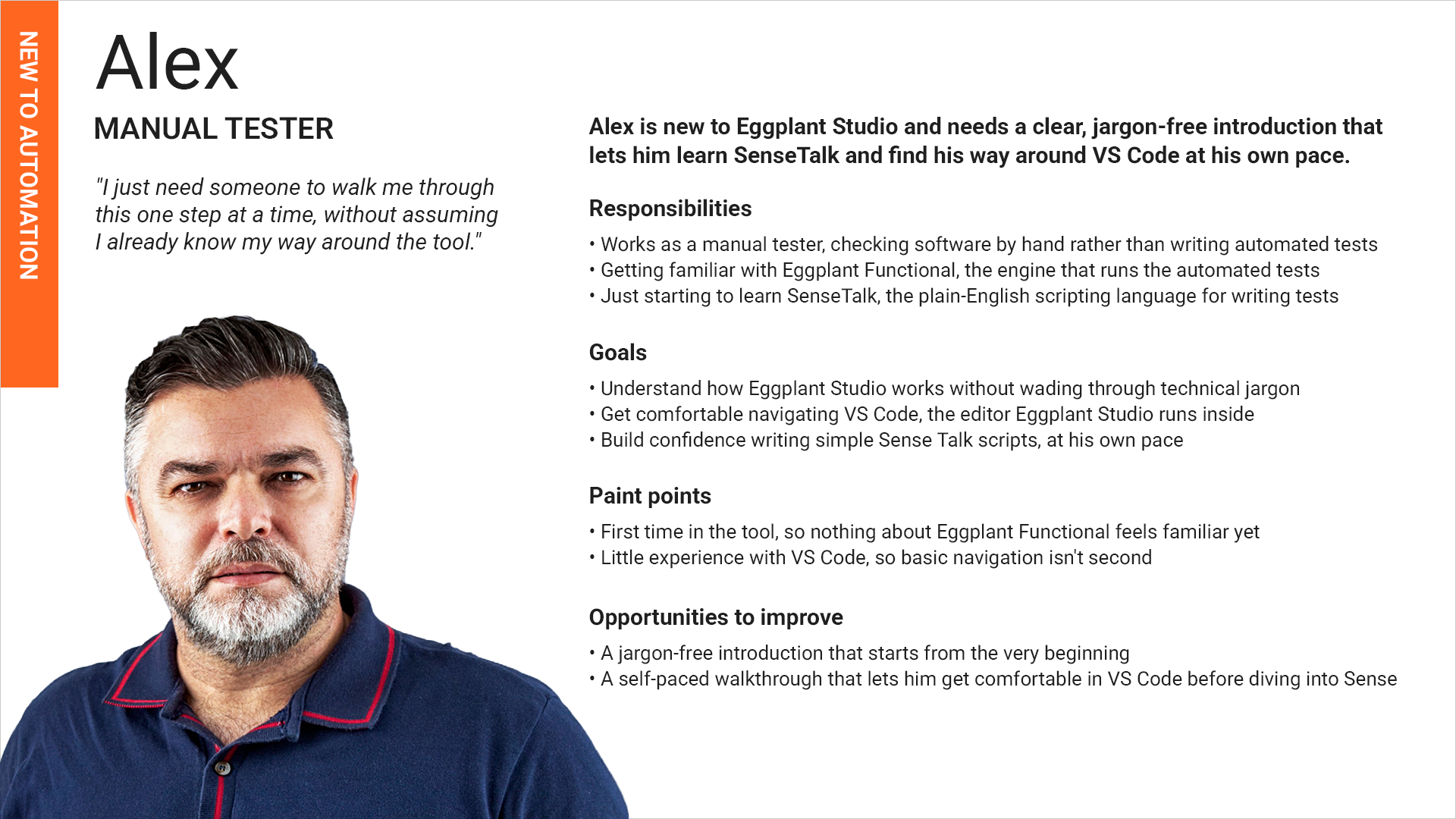
Alex, the manual tester learning test automation for the first time
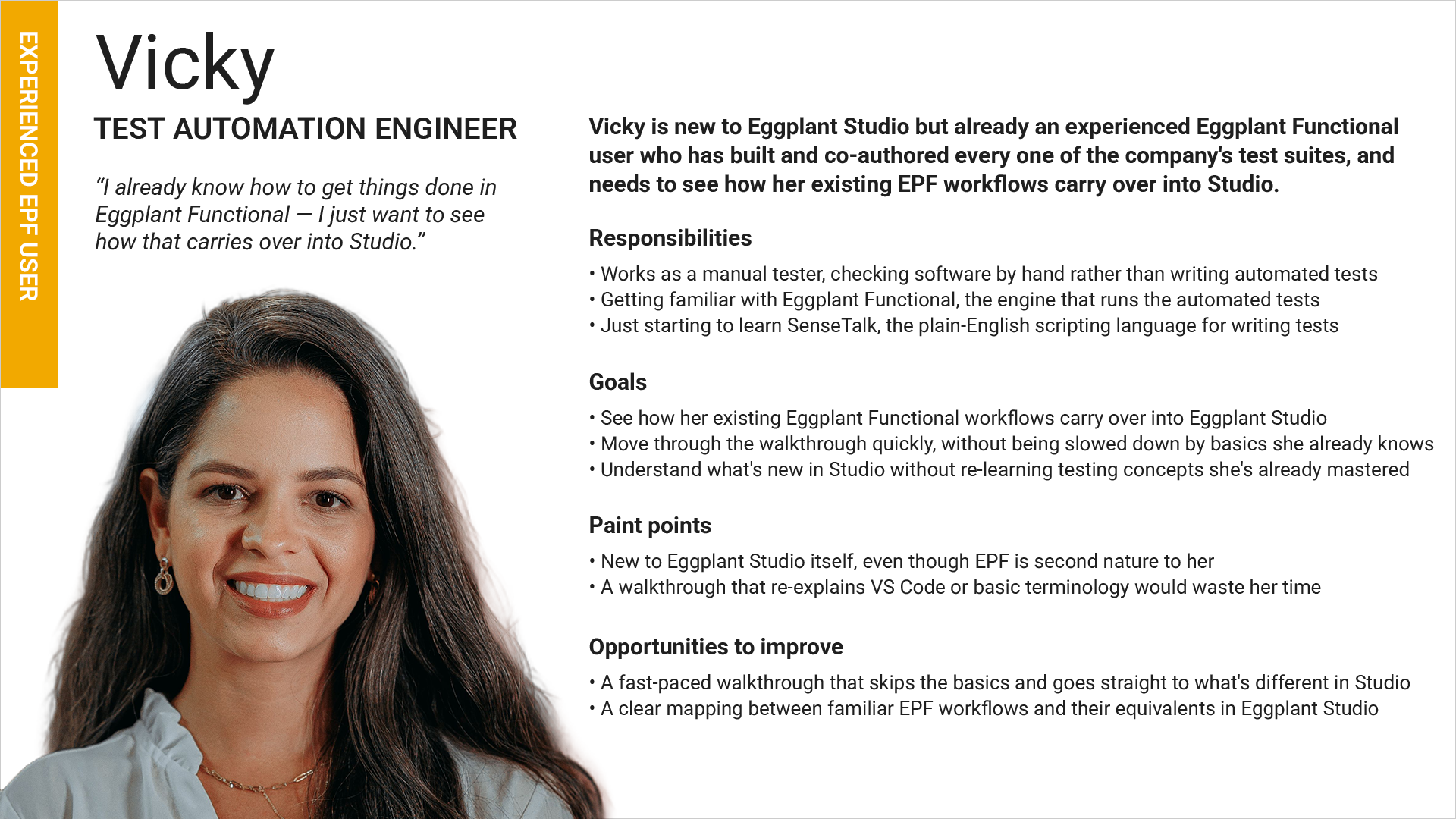
Vicky, the automation engineer bringing her existing Eggplant Functional workflows into Studio
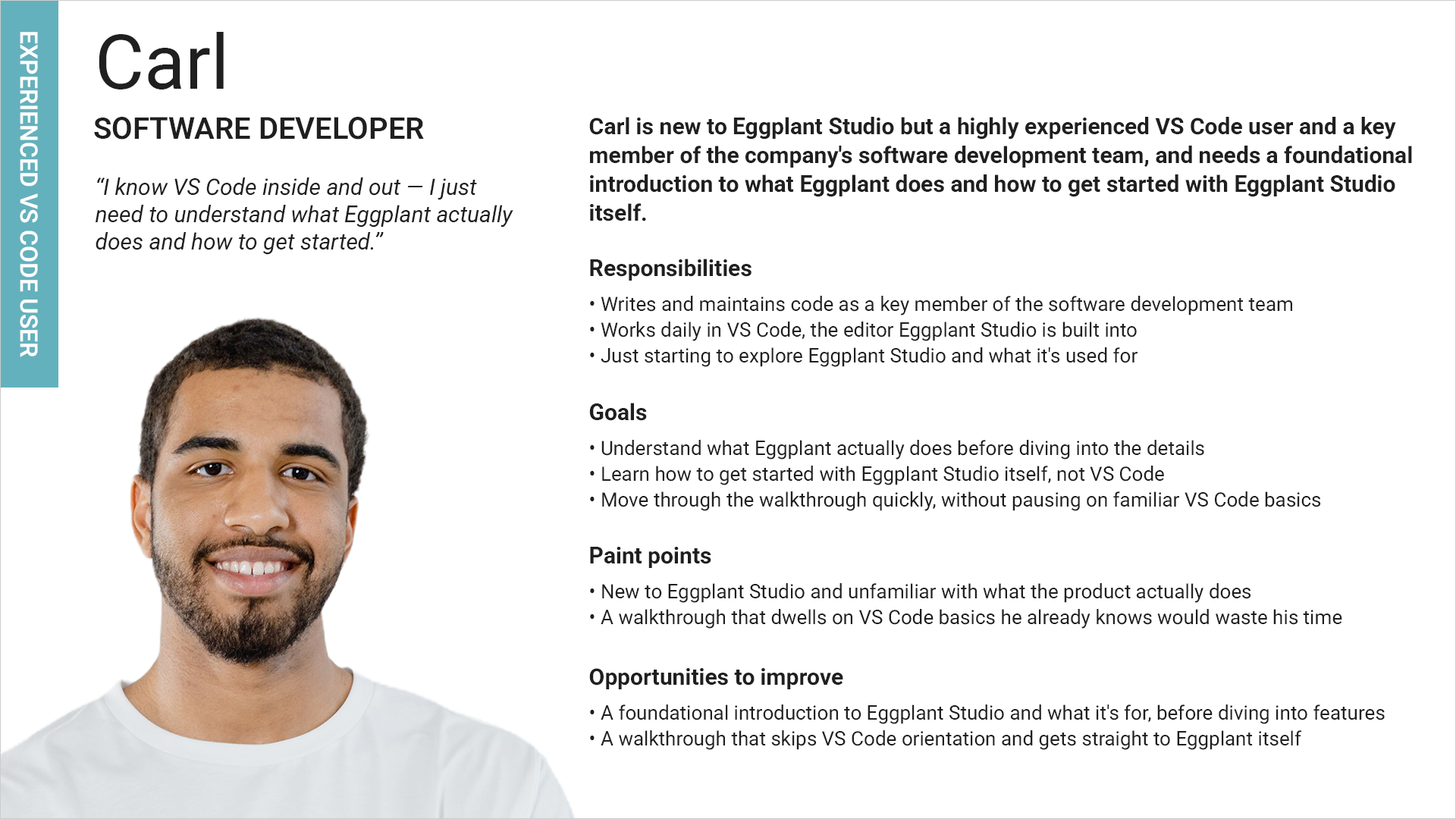
Carl, the developer who already knows VS Code well
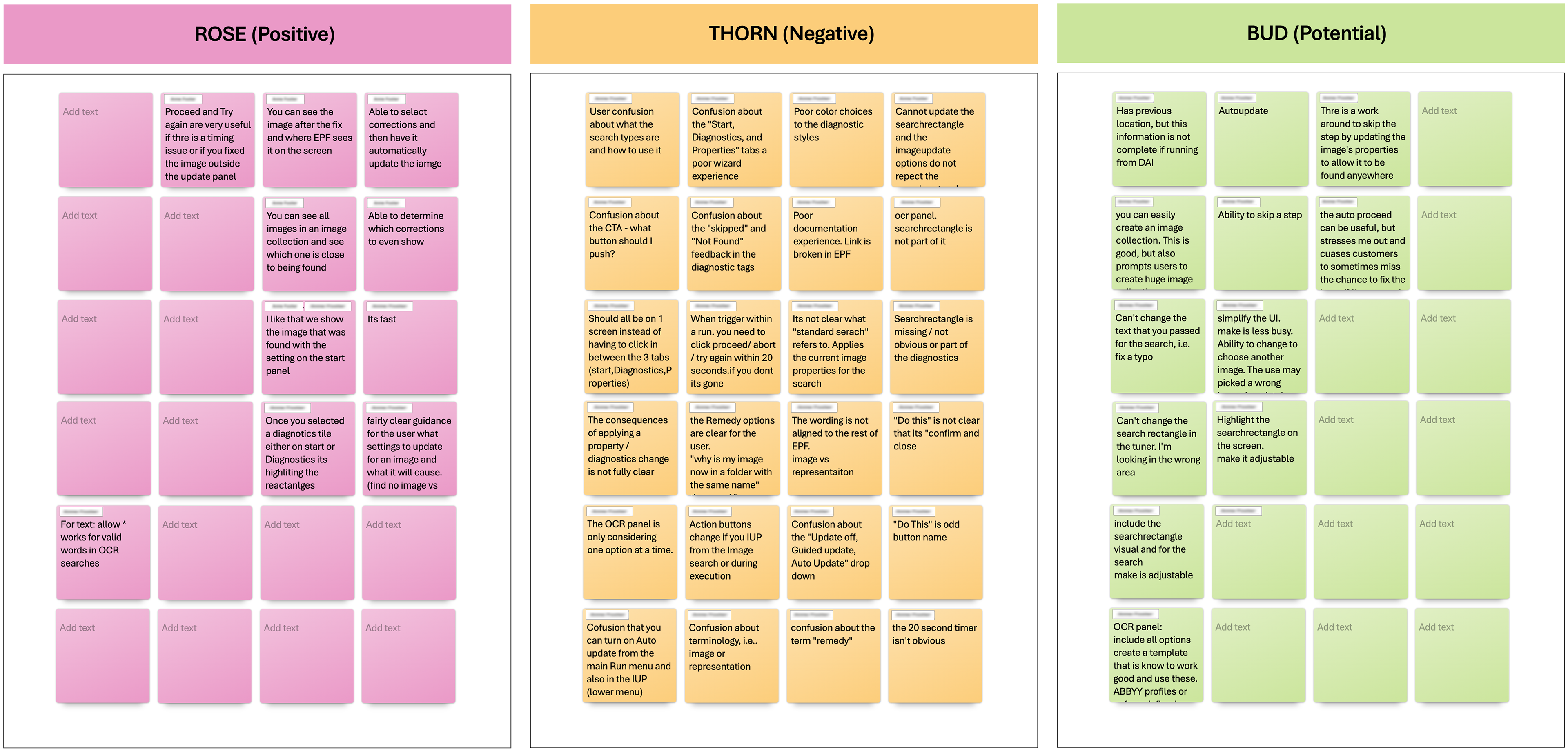
Rose, Thorn & Bud synthesis for the Image Update Panel from bi-weekly Studio UX Check In sessions with Technical Consultants — capturing what was working (Rose), what caused friction (Thorn), and where new opportunities emerged (Bud).
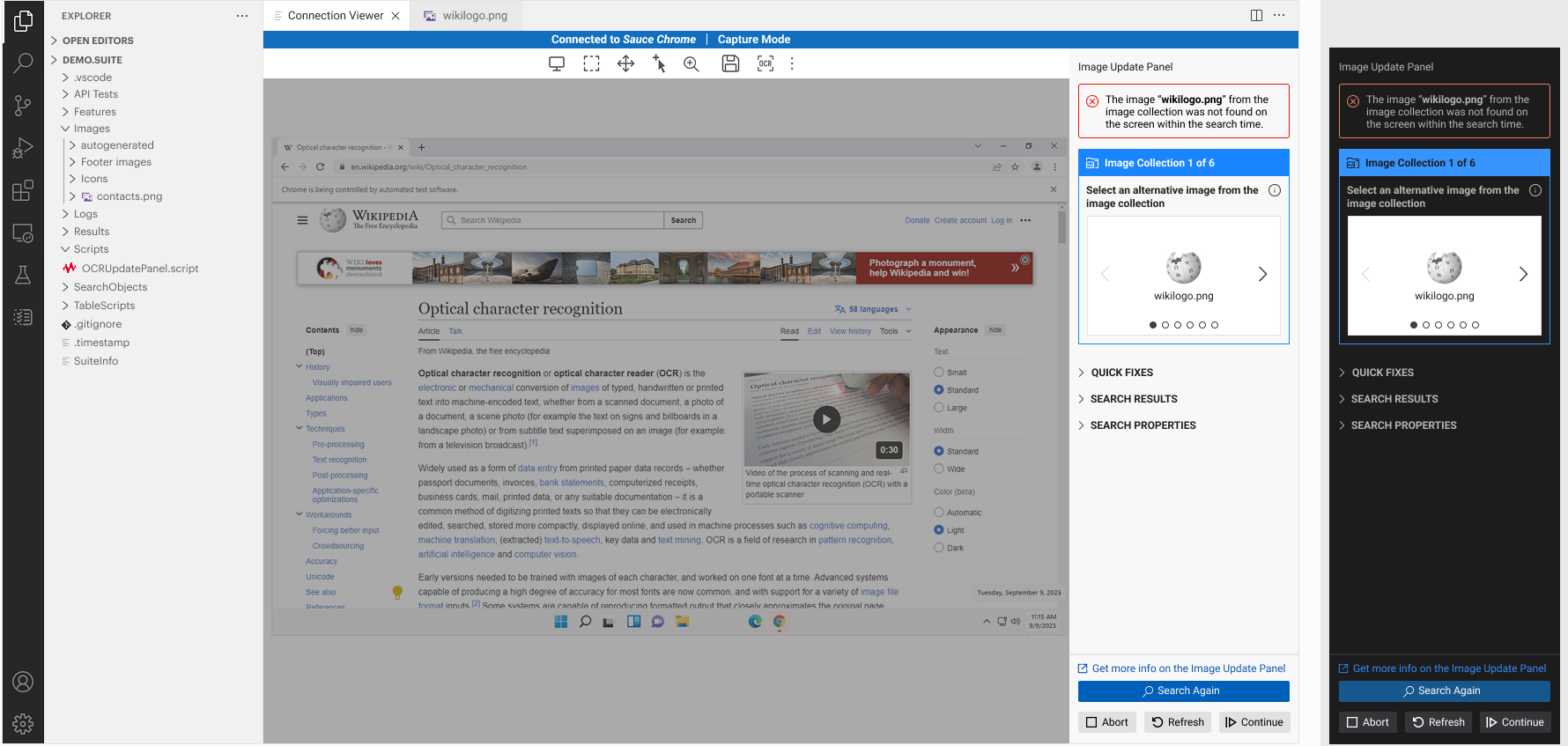
Version A: Accordion header with a blue background, shown in the light and dark VS Code themes. Preferred by the majority of TCs
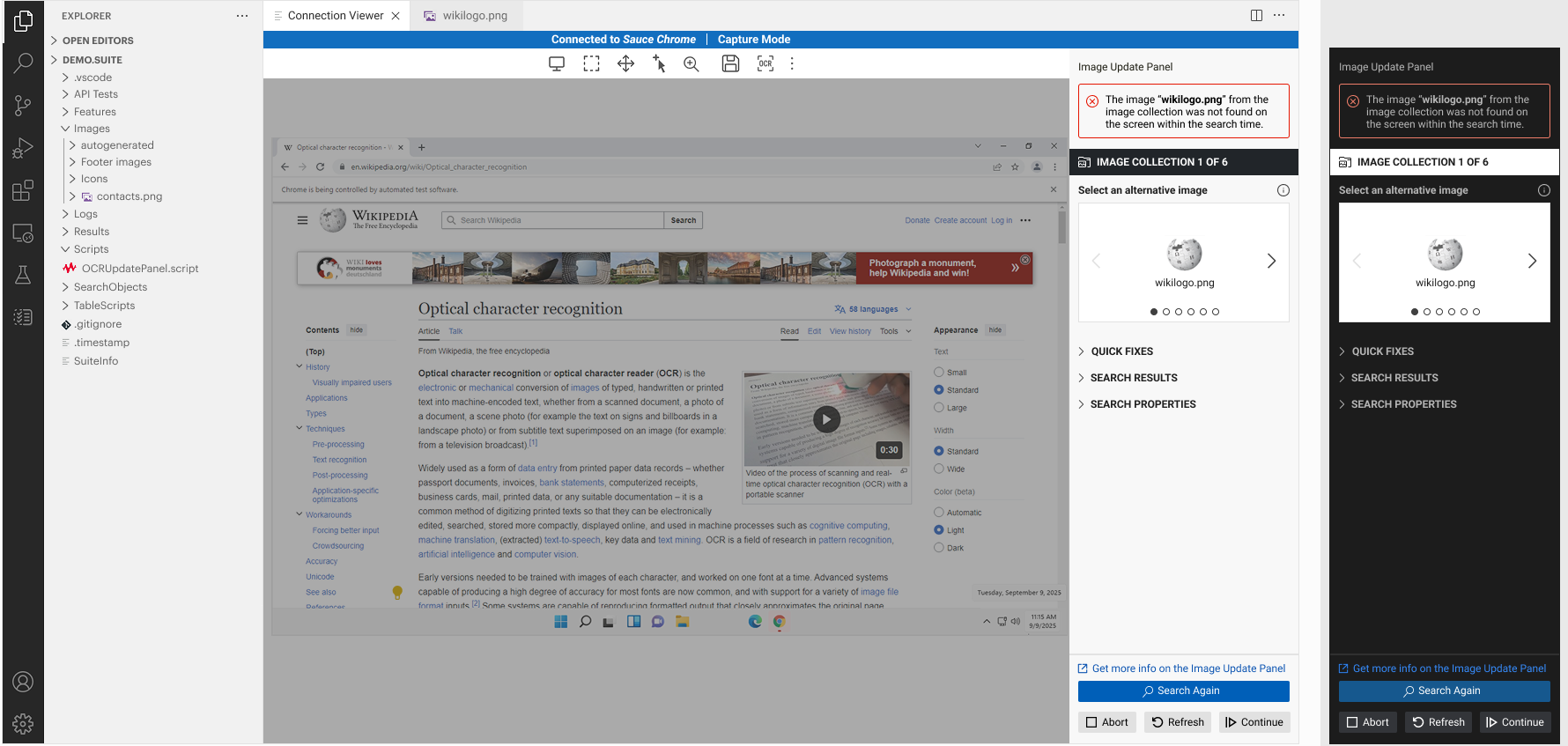
Version B: Accordion header with a black background in the light theme and an inverted header in the dark theme. Not selected.
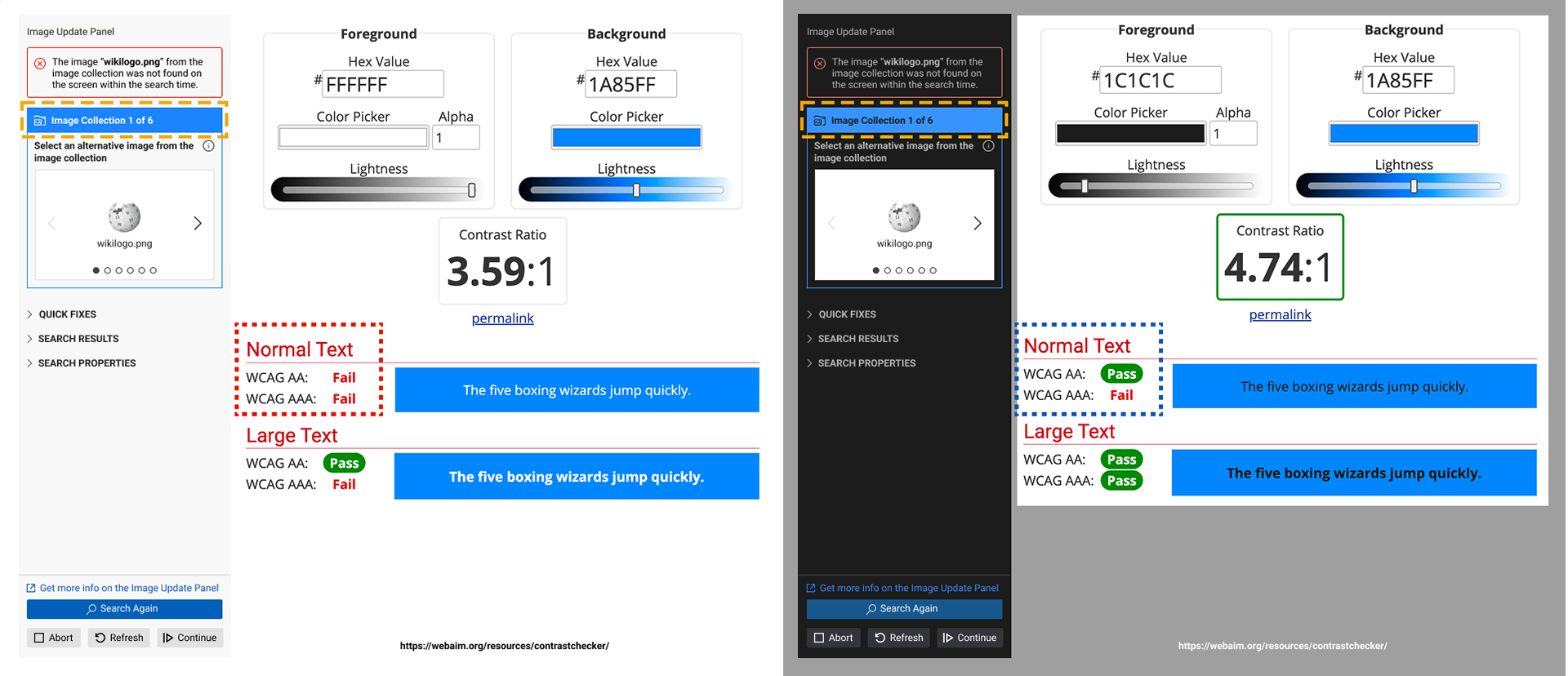
Checking the Image Update Panel's blue header against WCAG contrast requirements with WebAIM's Contrast Checker. White text on the blue scores 3.59:1 and fails AA for normal text, while dark text scores 4.74:1 and passes.
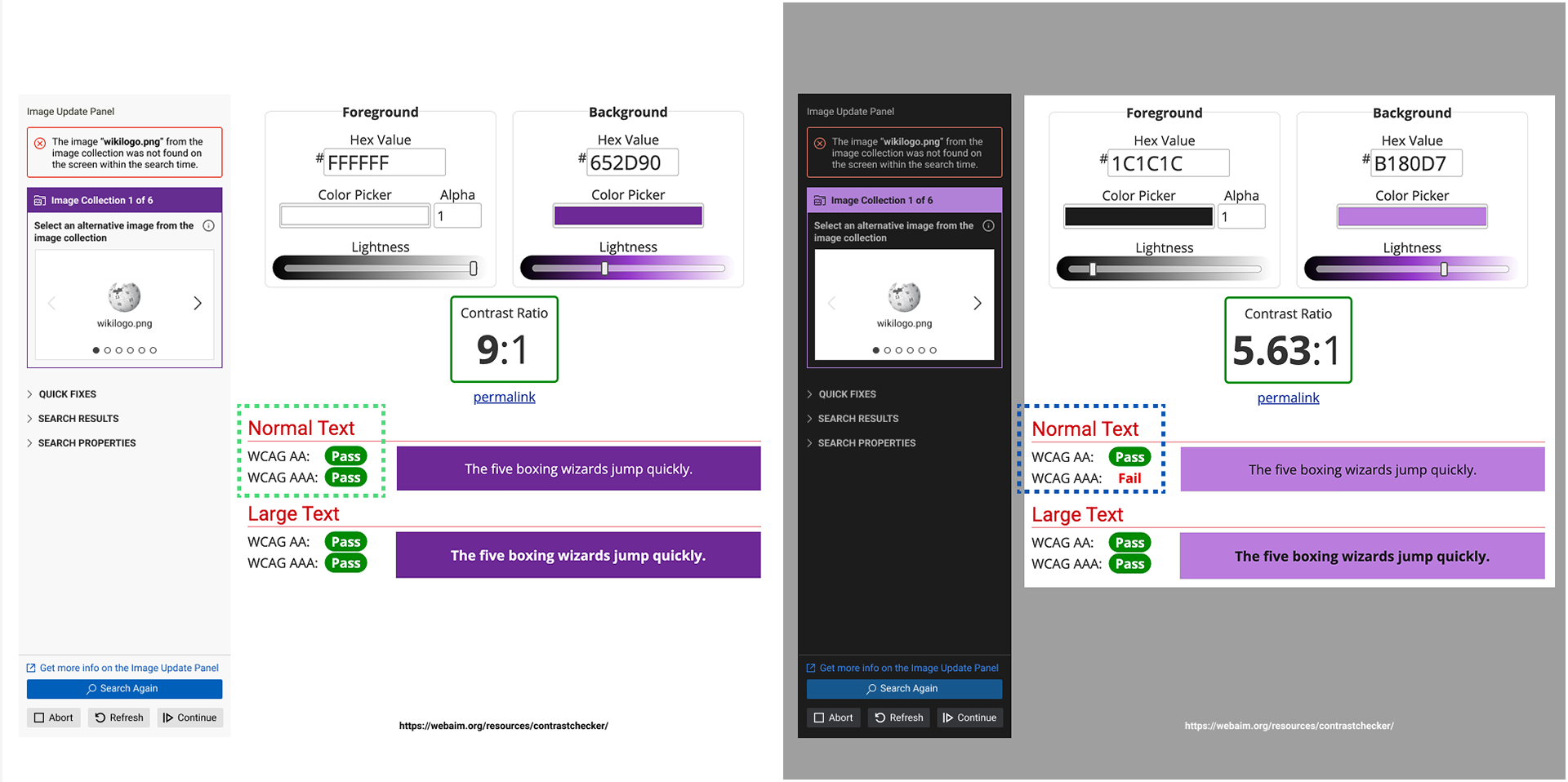
Revised purple header checked with WebAIM's Contrast Checker. The light theme scores 9:1, passing WCAG AA and AAA, and the dark theme scores 5.63:1, passing AA.
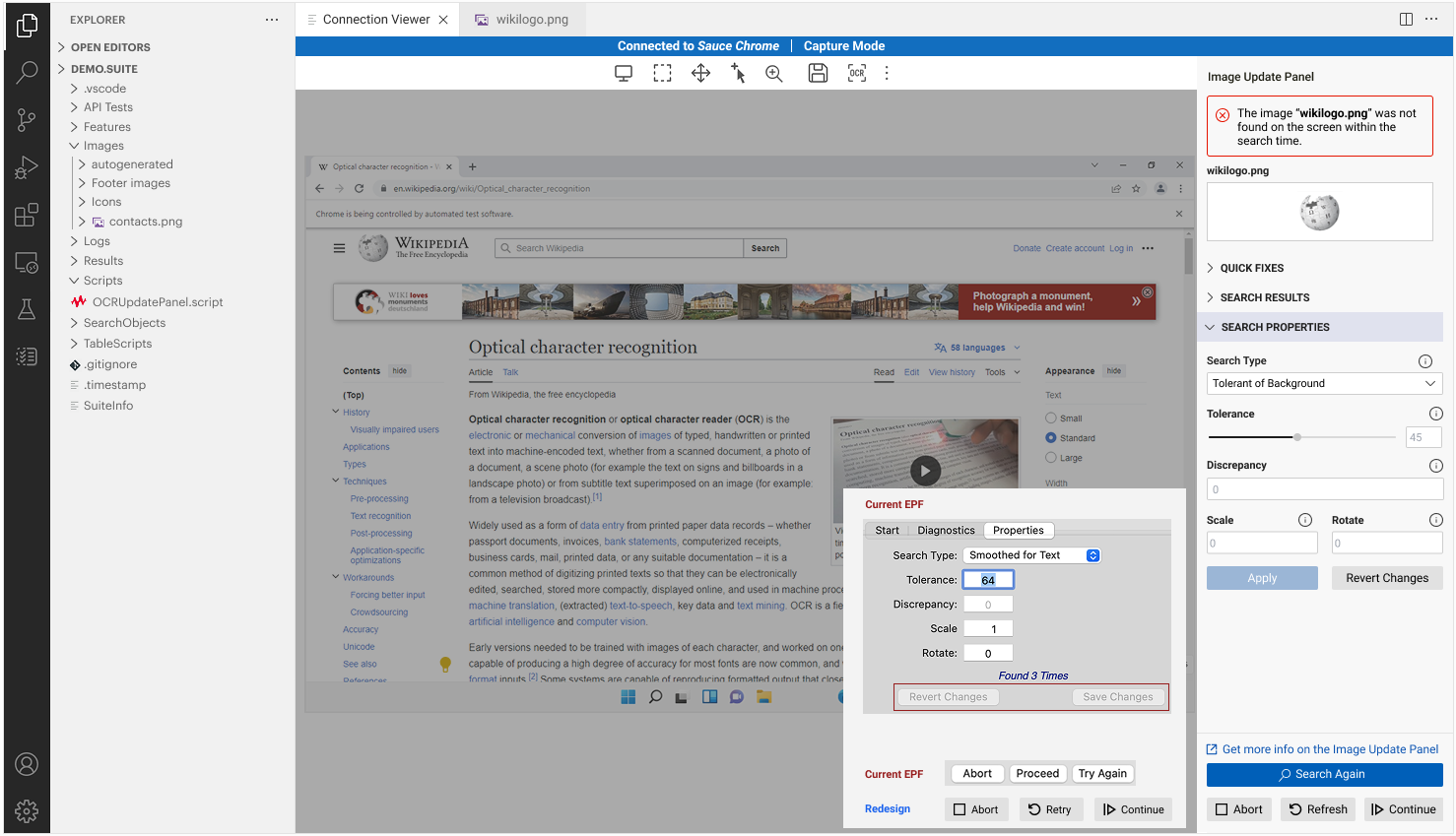
Search Properties in the redesigned Image Update Panel, compared with the Current EPF dialog. The properties and actions that used to sit in a floating window now live in a single panel inside VS Code.
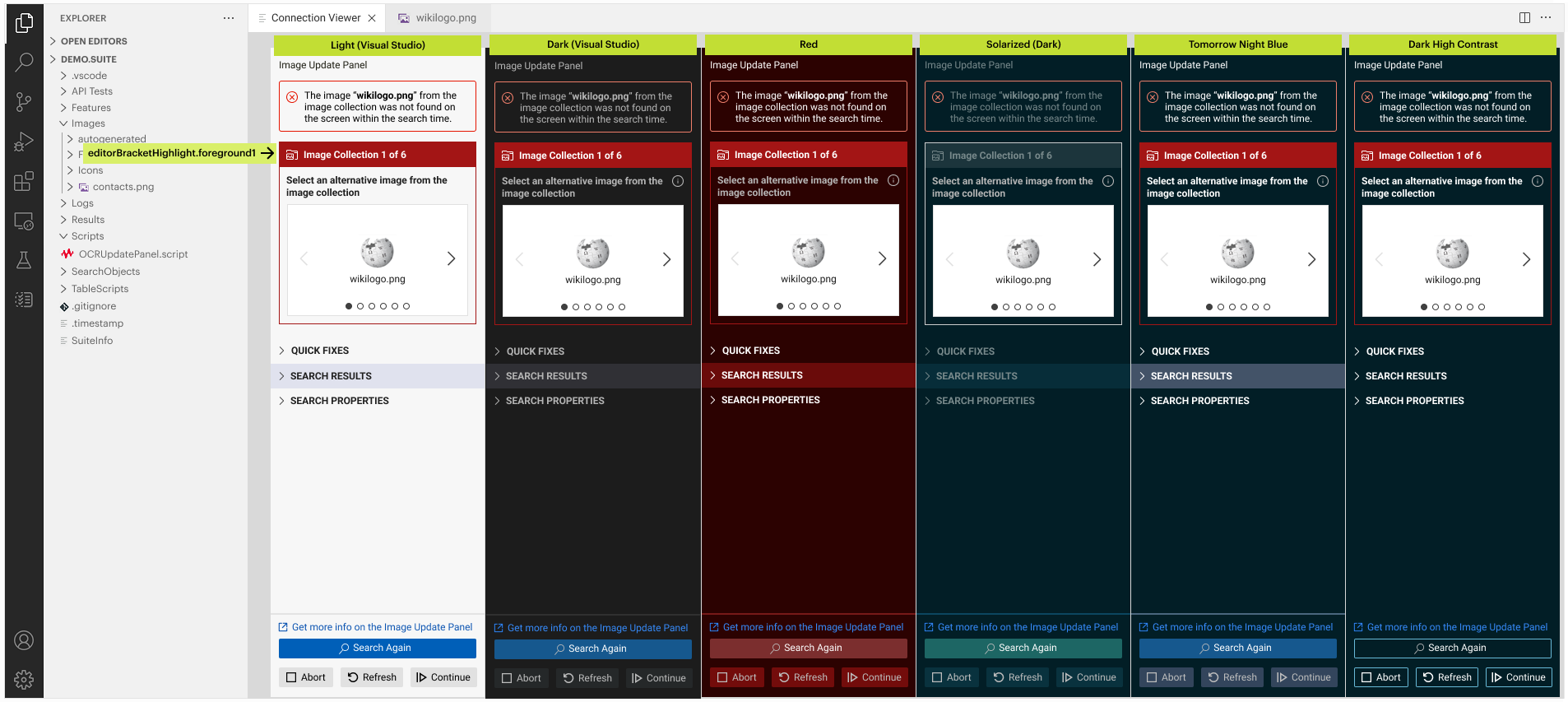
The Image Update Panel tested across six VS Code colour themes, including Dark High Contrast, so it stays legible and native-looking whichever theme a user has chosen.
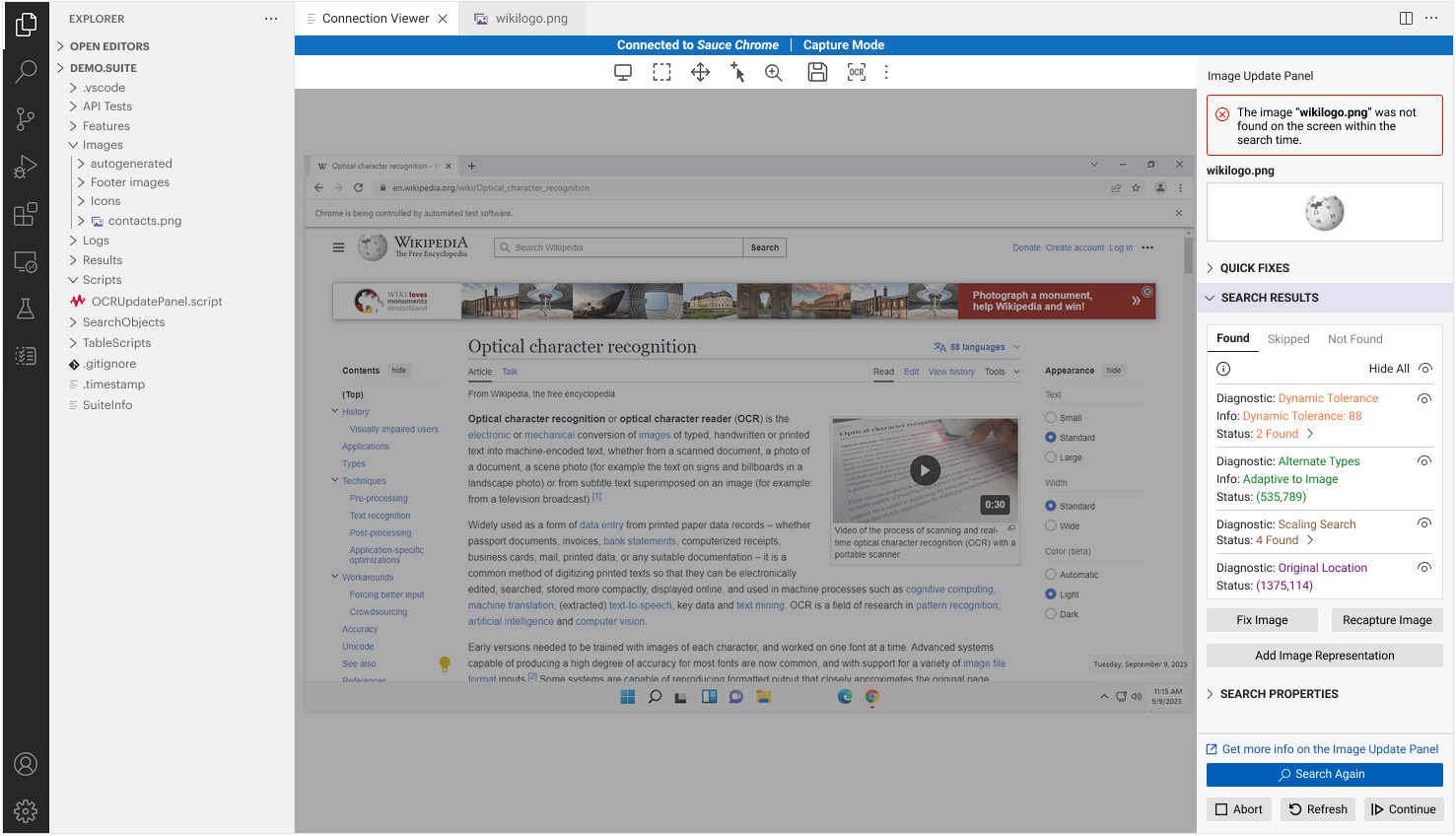
The Image Update Panel in Eggplant Studio. When an image isn't found during a test run, the panel explains why and offers ways to fix it, such as Fix Image, Recapture Image, and Search Again, without leaving VS Code.
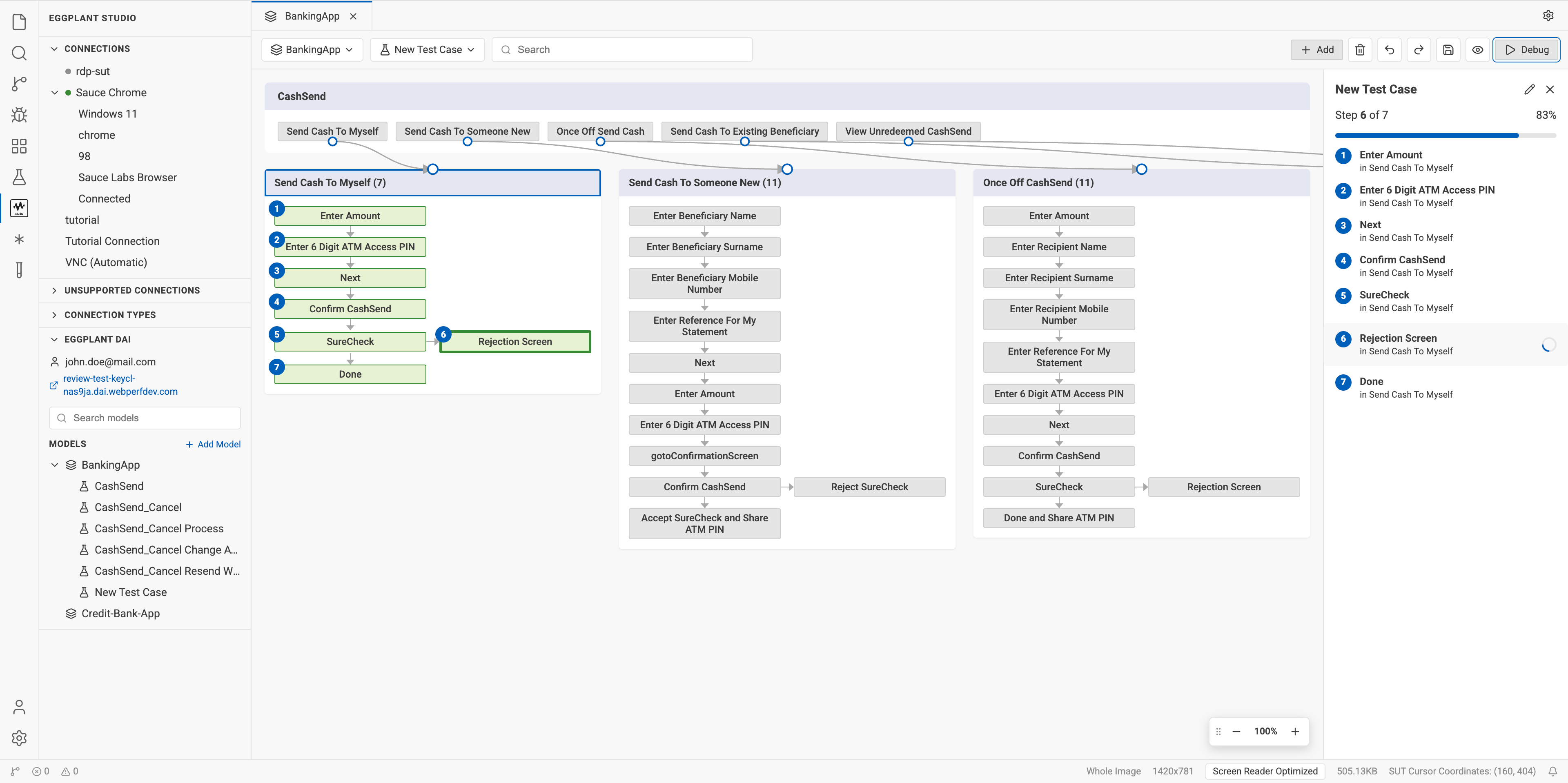
Functional prototype of test case creation with models, built with Claude Code from the initial Figma design.
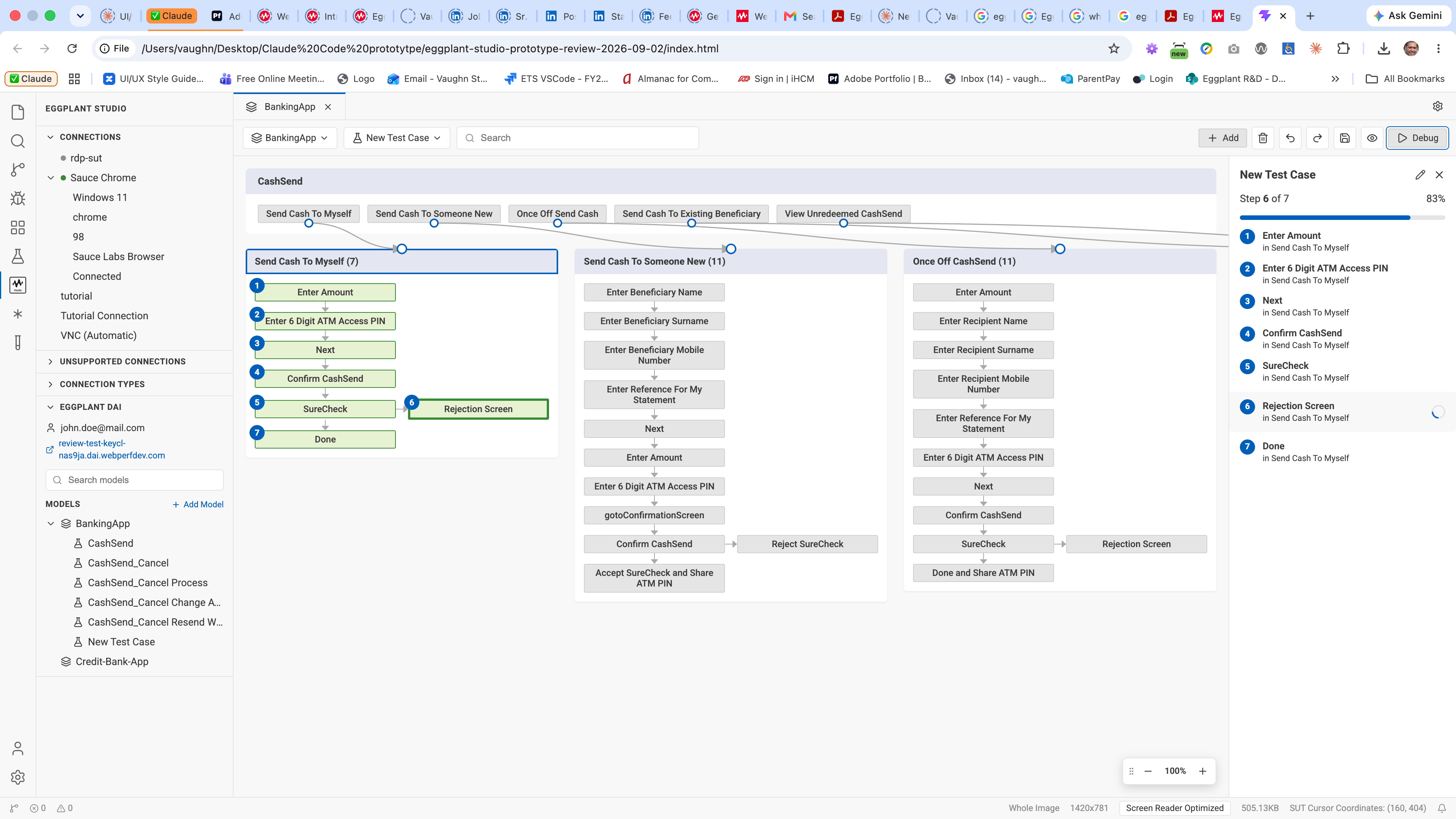
Prototype interaction: selecting steps in the model builds a test case, with a progress panel tracking each step.

Virtual Assistant flow in Eggplant Studio.